
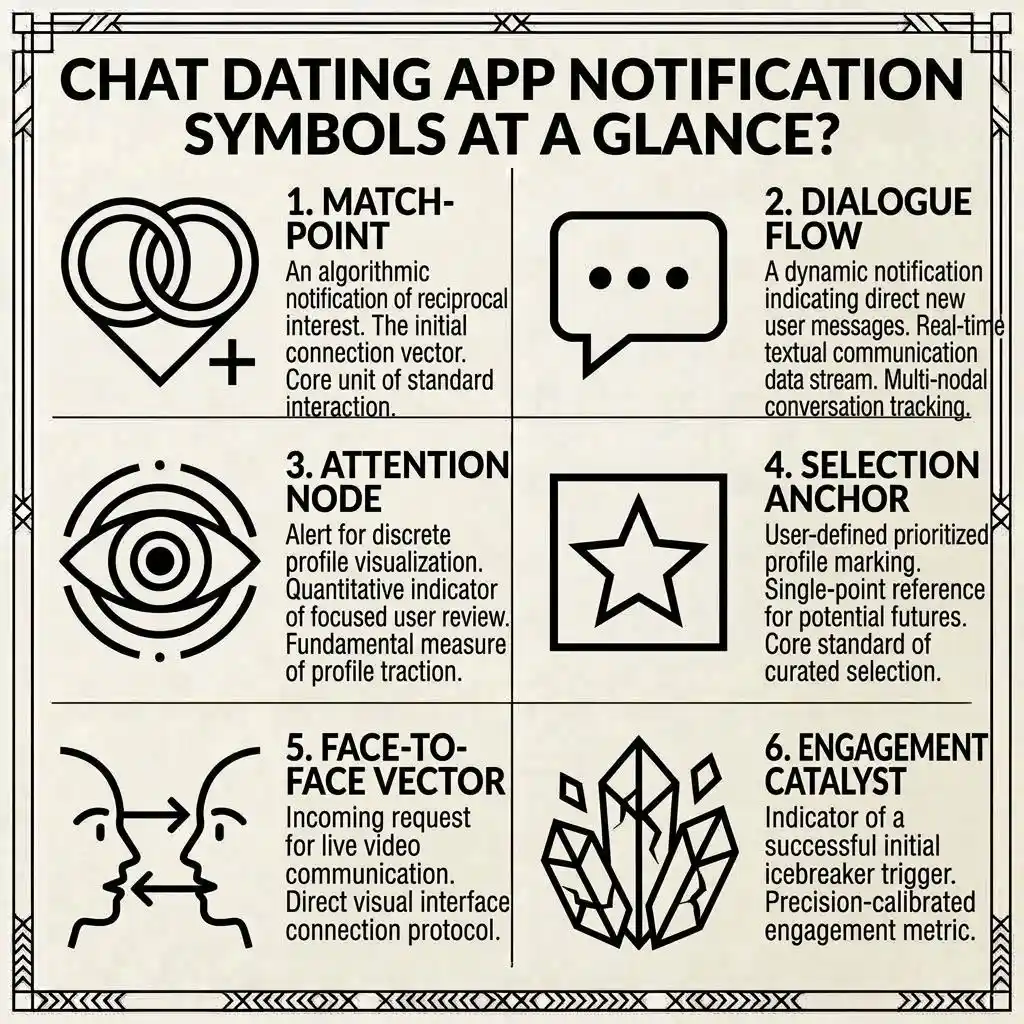
Dating apps use small symbols and notification icons to make conversations and profile activity easier to understand. You may see a heart, chat bubble, check mark, green dot, red badge, star, flame, typing dots, or another unfamiliar icon and wonder what it means.
The important thing to remember is that chat dating app notification symbols are not universal. A heart may indicate a like on one dating app, while another app may use it for a different feature. Likewise, check marks can represent different message statuses, and a green dot may refer to online or recent activity.
This guide explains the most common chat and dating app notification symbols, where you may see them, what they commonly indicate, and what you should not assume from them. It also explains the differences between dating-app symbols and regular phone notification icons.
What Do Chat Dating App Notification Symbols Mean? (Quick Answer)
Chat dating app notification symbols are visual icons that communicate messages, likes, matches, activity, calls, or other app events.
Common examples include:
- ❤️ Heart: Often represents a like, interest, or reaction.
- 💬 Chat bubble: Usually indicates a message or conversation.
- ✔️ Check mark: May show that a message has been sent, delivered, or processed.
- ✔️✔️ Double check: May indicate delivery or reading, depending on the app.
- ⋯ Typing dots: Usually mean someone is composing a message.
- 🟢 Green dot: May indicate online or recent activity.
- 🔴 Red badge: Often indicates unread activity or a pending notification.
- 🔔 Bell: Usually represents notifications.
- ⭐ Star: May represent special interest, a favorite, or a premium feature.
- 🔥 Flame: May be connected to a dating feature or special interaction.
- 👁️ Eye: Can indicate viewing activity on some platforms.
- 📞 Phone: Usually relates to voice calling.
- 📷 Camera: Can indicate photo, video, or video-call features.
- 🔒 Lock: Usually relates to privacy or security.
These are common interpretations rather than universal definitions. The exact meaning should always be confirmed within the particular dating app.
Chat Dating App Notification Symbols at a Glance
Understanding the difference between symbols can make dating-app conversations much less confusing.
Common Symbols and Their Meanings
| Symbol | Common Meaning | Symbol Type | Where It May Appear |
| ❤️ | Like or interest | Dating activity | Profile or notification |
| 💬 | New message | Chat notification | Inbox or phone |
| ✔️ | Sent or status update | Message status | Chat |
| ✔️✔️ | Delivered or read | Message status | Chat |
| ⋯ | Someone is typing | Activity indicator | Conversation |
| 🟢 | Online or recent activity | Activity indicator | Profile or chat |
| 🔴 | Unread activity | Notification badge | App or phone |
| 🔔 | General notification | Notification icon | App or device |
| ⭐ | Special interest or feature | Dating feature | Profile or app |
| 🔥 | Special dating feature | Dating feature | App |
| 👁️ | View or activity | Activity indicator | Profile/activity |
| 📞 | Voice call | Communication | Chat |
| 📷 | Photo/video function | Communication | Chat |
| 🔒 | Privacy/security | Security | Chat or settings |
Symbol vs. Status Indicator
Not every icon serves the same purpose.
A notification symbol usually tells you that something happened or requires attention.
A message-status symbol tells you something about a particular message.
An activity indicator can show whether an account is active or whether another person is performing an action such as typing.
A feature icon can represent a special function provided by the dating app.
This distinction matters because seeing an icon does not automatically tell you what another person is thinking or intending.
Heart ❤️ Dating App Symbol
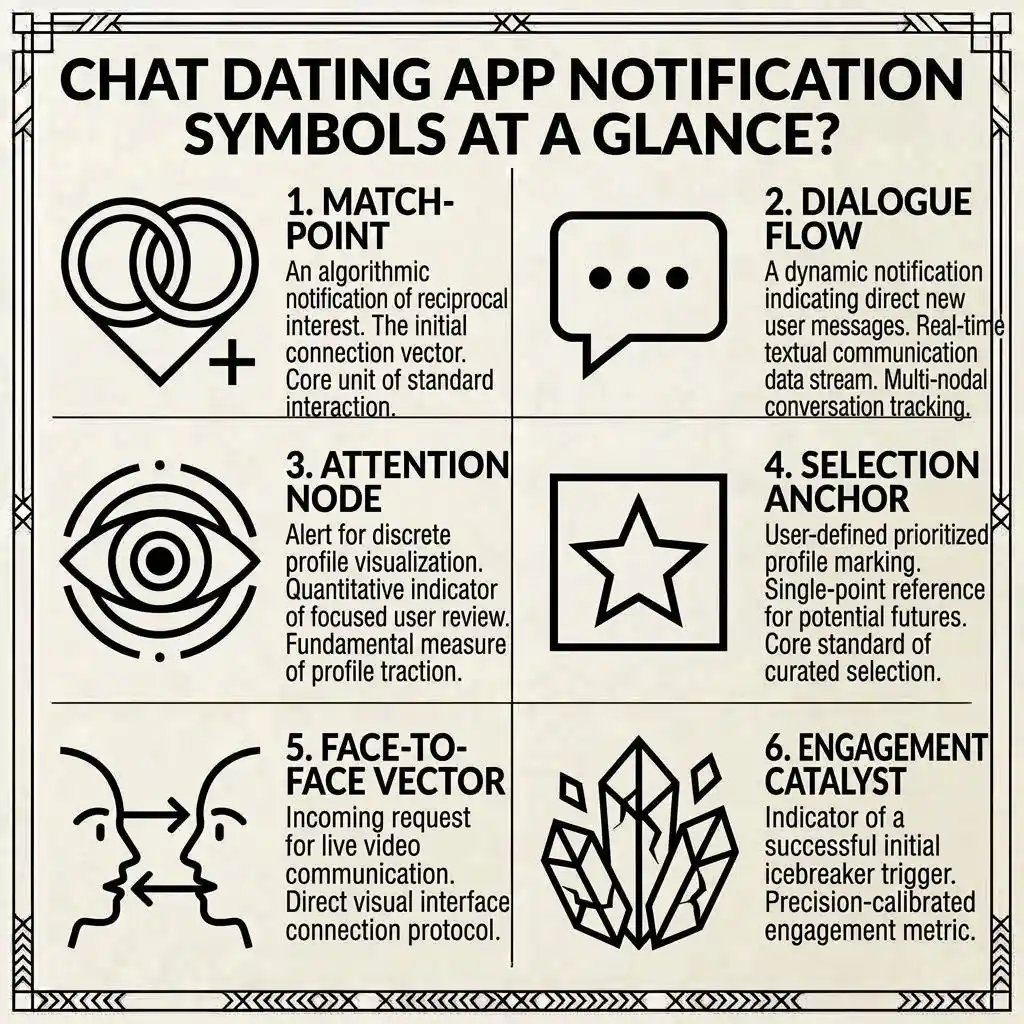
The heart is one of the most recognizable symbols associated with online dating.
It is commonly connected with likes, interest, favorites, reactions, or romantic-themed interactions. However, the precise meaning depends on the dating platform.
What Does a Heart Mean?
A heart notification may indicate that:
- Someone liked your profile.
- Someone reacted to something you posted.
- You received a special interaction.
- A dating-related activity occurred.
- A particular feature has been activated.
The location of the heart matters. A heart next to someone’s profile may have a different purpose from a heart appearing in your notification center.
Does a Heart Mean Someone Liked You?
Often, yes, when the app specifically uses the heart as its like indicator.
However, you should look at the accompanying notification. If the message says that someone liked your profile, then the heart is simply representing that event.
A heart by itself should not be treated as proof of a specific emotional intention.
Like vs. Match
A like and a match are different events on many dating platforms.
A like generally means one person has shown interest through the app’s matching system.
A match usually occurs when interest becomes mutual according to that platform’s matching rules.
Therefore, receiving a heart does not automatically mean that you have received a match.
Does a Heart Prove Romantic Interest?
Not necessarily.
A heart is an interface symbol. It communicates what the app recorded, such as a like or reaction. It cannot explain the other person’s deeper feelings, expectations, or intentions.
Chat Bubble 💬 Symbol
The chat bubble is one of the most common communication symbols on mobile devices and dating platforms.
What Does a Chat Bubble Mean?
A chat bubble usually indicates messaging activity.
It can be associated with:
- A new message
- An unread conversation
- A reply
- A new chat
- Messaging activity
When it appears as a badge on an app icon, it may simply mean that one or more conversations require attention.
What Does a Number Beside the Chat Icon Mean?
A number badge commonly indicates unread activity.
For example, a badge displaying 3 could mean that there are three unread notifications or messages. However, apps can count notifications differently.
One app may count individual messages, while another may count conversations or notification categories.
Check Mark ✔️ and Double Check ✔️✔️
Check marks are particularly easy to misunderstand because messaging systems do not all use them in the same way.
What Does a Single Check Mean?
A single check may indicate that a message has been successfully sent from your device.
In another application, however, the same symbol may represent a different status.
A check mark should therefore be interpreted according to the app’s own messaging system.
What Does a Double Check Mean?
Two check marks may indicate that a message has been delivered.
Some messaging systems use another visual state to indicate that the recipient has opened or read the message.
The exact sequence can differ between platforms.
Sent, Delivered, and Read Are Different
These three concepts should not be confused:
Sent: The message was submitted by your device or account.
Delivered: The messaging system reports that the message reached the intended account or device.
Read/Seen: The platform reports that the conversation or message was opened, where that feature exists.
Not every dating app provides all three statuses.
Does a Read Status Mean Someone Is Ignoring You?
No.
A read status only communicates something about the message state. It does not explain why a person has not responded.
Someone may be busy, away from their phone, unsure how to respond, or simply not ready to continue the conversation.
Typing Dots ⋯
Three moving dots are commonly recognized as a typing indicator.
What Do Typing Dots Mean?
Typing dots usually indicate that another person is currently composing a message.
They are designed to give the conversation a more immediate, live feeling.
Why Do Typing Dots Disappear?
A typing indicator can disappear when someone:
- Sends the message
- Stops typing
- Deletes their draft
- Leaves the conversation
- Closes the app
- Experiences a connection problem
Therefore, seeing typing dots does not guarantee that a message will eventually arrive.
Does Typing Mean a Reply Is Coming?
It only indicates that the application has detected typing activity.
A person may change their mind, delete what they wrote, or leave the conversation before sending anything.
The symbol should not be treated as a promise of a response.
Green Dot 🟢 and Online Status
The green dot is another dating-app symbol that frequently creates confusion.
What Can a Green Dot Mean?
Depending on the platform, a green dot may indicate:
- Currently active
- Recently active
- Online status
- Availability
- Activity within a particular feature
Some apps may use different colors or labels for these states.
Online vs. Recently Active
These are not necessarily the same thing.
Online can suggest that the account is currently connected or active according to the app’s system.
Recently active indicates activity occurred within a particular period.
The exact time period and definition depend on the platform.
Does a Green Dot Mean Someone Is Talking to Someone Else?
No.
A green activity indicator does not normally tell you who someone is talking to or what they are doing inside the app.
It should be treated as an app-generated activity status rather than evidence about another person’s private behavior.
Red Dot 🔴 and Notification Badges
Red dots and numbered badges are common ways of showing that something needs attention.
What Does a Red Dot Mean?
A red dot may indicate:
- An unread notification
- A new message
- A new match
- A new like
- Account activity
- Another alert
The exact meaning depends on where the dot appears.
What Does a Number Badge Mean?
A number can show the amount of unread or pending activity.
For example, a badge displaying 1 may mean there is one notification waiting to be reviewed.
The number does not necessarily mean one new message because apps can count different types of activity together.
Why Does a Notification Badge Stay There?
A badge may remain because:
- Another notification is still unread.
- A separate activity category has not been opened.
- The app has not synchronized.
- The phone has not refreshed the notification state.
- The app uses its own badge-counting system.
Opening the app’s notification or activity area can often reveal what remains unread.
Bell 🔔 Notification Symbol
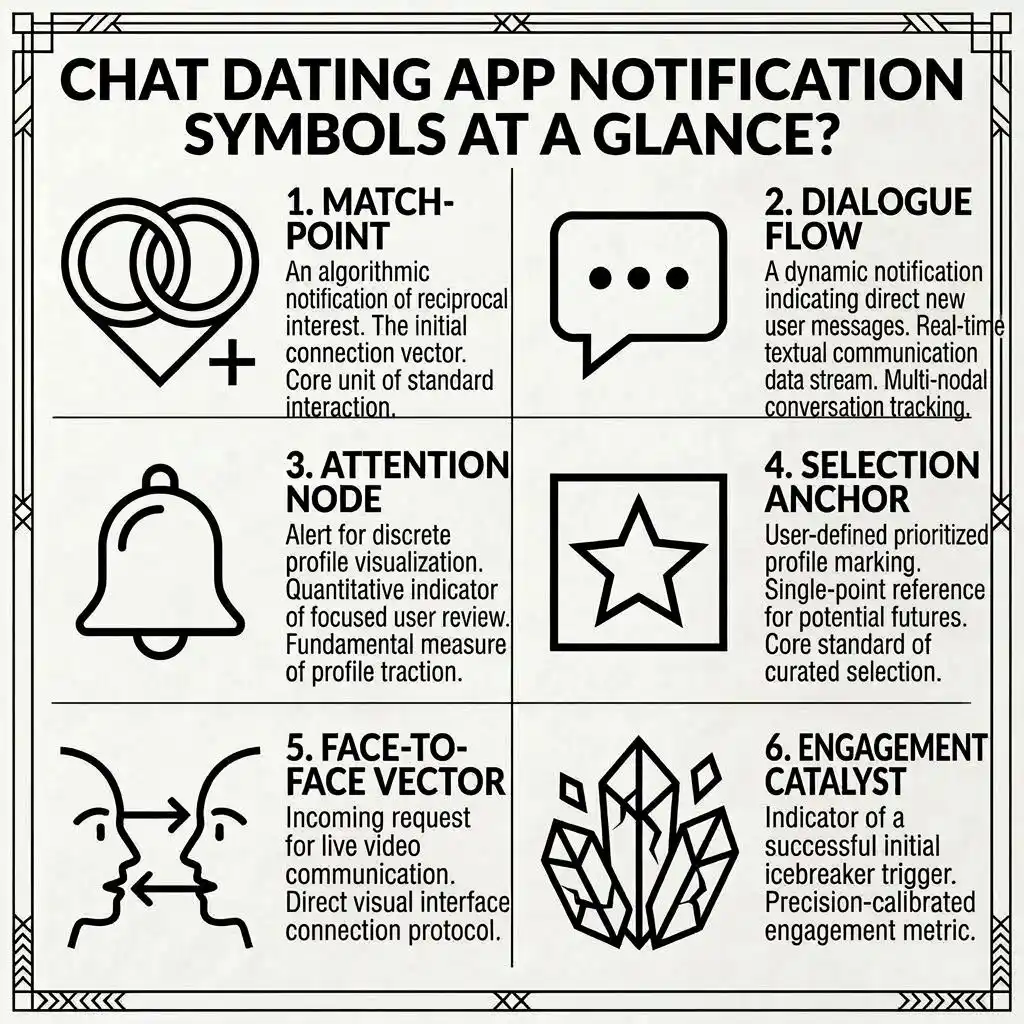
A bell is a general notification symbol rather than a dating-specific symbol.
What Does the Bell Mean?
The bell commonly opens or represents an area containing account activity and alerts.
A dating app may use it for:
- New likes
- Matches
- Messages
- Profile activity
- Feature announcements
- Account notices
The bell itself usually indicates that notifications exist. The individual notification explains what actually happened.
Star ⭐ Dating App Symbol
Stars are frequently used for special features.
What Can a Star Mean?
Depending on the app, a star may represent:
- Special interest
- Favorite
- Featured profile
- Priority interaction
- Premium feature
- A special type of like
Because dating apps use stars differently, the icon alone is not enough to identify the exact action.
Does a Star Mean Someone Super-Liked You?
It can on platforms that use a star for a special like, but this is not a universal rule.
Always check the app’s current feature description.
Flame 🔥 Dating App Symbol
The flame is another recognizable dating symbol.
What Can a Flame Mean?
A flame can be connected to:
- Dating activity
- A special feature
- Popularity
- A streak
- Discovery
- A promotional or premium function
Its meaning depends heavily on the app.
Does a Flame Mean Someone Is Attracted to You?
Not necessarily.
Although fire is often used as a visual symbol for excitement or attraction, the app may assign the icon to a specific technical feature.
The surrounding text is more reliable than the visual association.
Eye 👁️ Profile View Symbol
An eye icon may be related to viewing activity.
What Can an Eye Symbol Indicate?
On some services, it can be associated with:
- Profile views
- Content views
- Visibility
- Viewing history
- Privacy settings
However, not every eye icon means that someone viewed your profile.
Does an Eye Always Mean Someone Viewed Your Profile?
No.
The symbol must be interpreted according to the application and its specific feature.
If the app has a profile-view section and uses an eye there, the icon may be connected with that feature.
Camera 📷 and Phone 📞 Symbols
Dating apps may provide different communication tools, including photos, videos, voice calls, and video calls.
What Does a Camera Symbol Mean?
A camera can indicate:
- Taking a photo
- Sending a photo
- Recording a video
- Starting a video call
- Camera permissions
The exact action depends on where the camera appears.
What Does a Phone Symbol Mean?
A phone icon commonly relates to voice communication.
It may appear for:
- Starting a call
- Incoming calls
- Missed calls
- Calling features
Again, the surrounding text provides the most reliable context.
Lock 🔒 and Privacy Symbols
A lock icon generally communicates privacy, security, or restricted access.
What Does a Lock Mean in Dating Chat?
Depending on the platform, a lock can be connected with:
- Privacy settings
- Protected information
- Secure features
- Restricted content
- Account security
Does a Lock Mean the Chat Is Secret?
Not automatically.
A lock is a visual indication of a security or privacy-related feature, but it does not by itself explain exactly how the conversation is protected.
Check the application’s privacy or security information for the specific feature.
Dating App Match and Like Notifications
Likes and matches are among the most important notifications for dating-app users.
What Does a Like Notification Mean?
A like notification generally means that another user interacted with your profile or content through a like-related feature.
The exact action may vary by platform.
What Does a Match Notification Mean?
A match notification generally means that the app has identified mutual interest according to its matching system.
Some platforms display a special animation, sound, heart, star, or other graphic when a match occurs.
Like Notification vs. Match Notification
| Notification | General Meaning |
| Like | Someone expressed interest through the app |
| Special like | A platform-specific enhanced interest feature |
| Match | Mutual interest according to the app’s matching system |
| Message | Someone sent communication |
| Profile activity | Someone interacted with your profile or content |
The visual design may differ from one platform to another.
Dating App Notification Symbols on iPhone
iPhone can display dating-app notifications in several locations.
Lock Screen Notifications
A dating app may show a notification on the lock screen if notifications are enabled.
Depending on your settings, the screen may show:
- App name
- Notification icon
- Message preview
- Alert text
- Time received
You can control how much information appears.
Notification Center
Notifications can also appear in Notification Center.
This can make it easier to review multiple dating-app alerts without immediately opening the application.
App Badges
An app icon may display a small badge showing unread activity.
The badge count is controlled by the application’s notification behavior and your device settings.
Dating App Notification Symbols on Android
Android devices can display dating-app notifications in several ways.
Status Bar
An app notification may produce a small icon in the status area.
The exact appearance can differ according to the Android version and phone manufacturer.
Notification Panel
Swiping down can reveal additional information about the notification.
This is often more useful than trying to identify a tiny status-bar icon by shape alone.
App Badges
Some Android launchers display notification dots or numerical badges on app icons.
The availability and appearance of these badges can vary by device.
Why Android Symbols Can Look Different
Android phones are produced by many manufacturers, and their interfaces can differ.
Differences may result from:
- Android version
- Phone manufacturer
- App version
- Notification settings
- Launcher settings
- Device theme
- Notification categories
Therefore, the same dating app can sometimes appear slightly different on different Android phones.
How to Identify a Mystery Dating App Symbol
If you see an unfamiliar icon, you do not have to guess.
Identify the App
First determine which app generated the notification.
The app name is often shown alongside the alert.
Read the Notification Text
Words such as “new message,” “new match,” or “someone liked you” can explain the event much more clearly than the icon.
Check Where the Symbol Appears
Determine whether the icon appears:
- Inside the dating app
- Beside a message
- On the app icon
- In the phone’s status bar
- On the lock screen
- In the notification center
Location is an important clue.
Check the App’s Help Center
If the meaning remains unclear, look at the dating app’s current help or support information.
This is particularly important for premium features and recently introduced icons because apps can change their interfaces.
What Dating App Symbols Cannot Tell You
Symbols can communicate app activity, but they have limits.
They Cannot Prove Someone’s Intentions
A heart can indicate a like, but it cannot explain exactly what the person hopes will happen next.
They Cannot Explain a Delayed Reply
A read status or online indicator cannot tell you why someone has not responded.
They Cannot Prove Someone Is Talking to Another Person
An online or recently active indicator generally does not identify what another person is doing inside the app.
They Cannot Predict a Relationship
A match notification confirms an app event. It does not predict how a conversation or relationship will develop.
This distinction helps prevent ordinary interface symbols from being interpreted as information they were never designed to provide.
How to Hide Dating App Notification Symbols
If you prefer privacy or fewer interruptions, notification settings can usually be adjusted.
Hide Lock-Screen Previews
Your phone may allow you to hide the text of dating-app notifications while still showing that an alert exists.
This can be useful when you do not want message content visible on your lock screen.
Turn Off App Badges
You may be able to disable the red dot or number badge associated with a dating application.
This prevents unread counts from appearing on the app icon.
Disable Specific Notifications
Many apps provide separate notification categories.
You may be able to control alerts for:
- Messages
- Matches
- Likes
- Calls
- Promotions
- Recommendations
- Other account activity
The available controls depend on the application and operating system.
Common Mistakes When Reading Dating App Symbols
A small icon can be easy to overinterpret.
Assuming Every Heart Means a Match
A heart may indicate a like rather than a mutual match.
Assuming Every Green Dot Means Online Right Now
A green dot may represent recent activity or another app-defined state.
Assuming Two Checks Always Mean Read
Check marks have different meanings across messaging systems.
Assuming Typing Dots Guarantee a Reply
Someone can stop typing or leave the conversation without sending a message.
Treating Notifications as Proof of Someone’s Intent
An app symbol records an event. It does not provide a complete explanation of another person’s thoughts or intentions.
Quick Guide to Chat Dating App Symbols
For a quick reminder:
- ❤️ Heart: Often a like or interest.
- 💬 Chat bubble: Usually a message or chat activity.
- ✔️ Check: May indicate sent or another message status.
- ✔️✔️ Double check: May indicate delivery or read status.
- ⋯ Typing dots: Usually indicate that someone is composing a message.
- 🟢 Green dot: May indicate online or recent activity.
- 🔴 Red dot: Often indicates unread or pending activity.
- 🔔 Bell: Usually represents notifications.
- ⭐ Star: May indicate special interest or a feature.
- 🔥 Flame: Meaning depends on the dating app.
- 👁️ Eye: May relate to viewing activity.
- 📷 Camera: Usually relates to photo or video functions.
- 📞 Phone: Usually relates to calling.
- 🔒 Lock: Usually relates to privacy or security.
Frequently Asked Questions About Chat Dating App Notification Symbols
What do chat dating app notification symbols mean?
They are icons used to communicate activity such as messages, likes, matches, typing, account alerts, or activity status. Their exact meanings vary between dating apps.
What does a heart notification mean on a dating app?
A heart commonly represents a like, interest, or reaction. However, the exact meaning depends on the dating platform and where the heart appears.
Does a heart mean someone liked my profile?
Often, a heart is used for a profile like, but this is not universal. Check the notification text or the app’s explanation to confirm what the interaction represents.
Does a heart mean I have a match?
Not necessarily. A like and a match can be separate events. A match generally involves mutual interest according to the app’s matching system.
What does the green dot mean on a dating app?
A green dot may indicate that someone is currently active or was recently active. The exact meaning and activity period depend on the platform.
Does a green dot mean someone is talking to another person?
No. An activity indicator does not normally reveal who someone is communicating with or what they are doing inside the app.
What does a red dot mean on a dating app?
A red dot commonly indicates unread or pending activity. It may represent a message, match, like, or another notification depending on the app.
What do two check marks mean in dating chat?
Two check marks may indicate that a message was delivered or read, depending on the messaging system. Different apps use check marks differently.
What do three dots mean in a dating app chat?
Three moving dots usually indicate that another person is typing or composing a message.
Does typing mean someone will send a message?
No. A person can stop typing, delete their draft, leave the conversation, or experience a connection problem before sending anything.
Why is my dating app notification badge not disappearing?
The badge may remain because another notification is still unread, the app has not synchronized, or the application counts several types of activity together.
Are dating app notification symbols the same on iPhone and Android?
No. The dating app may use the same internal symbols, but the way notifications appear on iPhone and Android can differ because of operating-system and device settings.
Can I hide dating app notifications from my lock screen?
In many cases, yes. Phone notification settings can usually control whether alerts, previews, sounds, or badges are displayed. The exact options depend on your device.
Are dating app symbols universal?
No. There are common visual conventions, but dating apps can assign different meanings to the same symbol.
How can I identify an unknown dating app symbol?
Identify the app that produced it, read the notification text, check where the symbol appears, and consult the application’s current help information if necessary.
Conclusion
Chat dating app notification symbols make online conversations easier to navigate, but they can also create confusion when their meanings are not clearly understood. Hearts commonly relate to likes or interest, chat bubbles usually indicate messages, check marks can communicate message status, typing dots show composing activity, and colored badges can indicate notifications or activity.
The most reliable approach is to look at the symbol together with its app, location, color, and accompanying text. A symbol can tell you what the application recorded, but it cannot necessarily tell you another person’s feelings, intentions, or private behavior.
Because dating apps regularly update their interfaces, the exact meaning of a symbol can change. When an icon is unclear, the app’s own current explanation is the safest source. Understanding that distinction helps you read dating-app notifications accurately without assigning a meaning the symbol was never designed to communicate.

Clara Miles
Hello! I’m Clara, a lifelong dreamer who finds magic in everyday moments. Writing has always been my way of exploring the world and understanding the people around me. I love creating stories that make readers laugh, cry, and reflect on life’s little surprises. When I’m not writing, you can usually find me sipping coffee at a cozy café or wandering through nature with a notebook in hand. My journey as an author is fueled by curiosity, imagination, and a love for connecting with my readers. Every story I write is a piece of my heart, and I hope it inspires yours too.
Books:
-
Whispers of the Heart
-
Shadows and Sunlight